Help centerLog inHelp center
Mobile Site Logo
Desktop Site Logo
    • Platform

      • Product overview
      • Contract Management
      • CPQ
      • Enterprise
    • Features

      • Image - Document generation - Icon
        Document generationAutomate document creation with customizable templates
      • Image - Payments - Icon
        PaymentsGenerate error-free quotes
tailored for every buyer
      • Image - Deal room - Icon
        Deal RoomsCollaborate and close deals in one personalized deal room
      • Image - Smart content - Icon
        Smart contentAdapt documents to the recipient's requirements
      • All features
    •  

      • automation icon
        Workflow AutomationsStreamline your workflow and reduce manual tasks
      • Approval workflow
        Approval workflowSimplify internal sign-offs before document delivery
      • Workspaces
        WorkspacesDistribute content across teams and departments
      • Tracking & analytics
        Tracking & analyticsGet insights into how users interact with your document
      • All features
    • Request a demo
    • Contact sales
    Product (Dropdown) - Featured Image
    Compare
    • vs DocuSign
    • vs Dropbox Sign
    • vs Adobe Sign
    • vs Proposify
    • View more
    • Image - Use case - Icon

      Use case

      • eSignatures
      • Proposals
      • Contracts
      • Quotes
      • Payments
      • All use cases
    • Image - Industry - Icon

      Industry

      • Software & technology
      • Professional services
      • Education
      • Healthcare
      • Construction
      • All industries
    • Image - Team - Icon

      Team

      • Sales
      • HR
      • Marketing
      • Customer success
      • Legal
      • All teams
    • Request a demo
    • Contact sales
    Customer stories
    • Image - Solution dropdown - Autodesk
      Autodesk now tracks sales metrics across its entire org
    • Image - Solution dropdown - Nomad
      Nomad cut customer acquisition costs by 20%
    • Image - Solution dropdown - TheKey
      TheKey saves 3,000 hours per year using PandaDoc
    • All customer stories
    • Sales and CRM

      • Hubspot
        Hubspot
      • Salesforce
      • pipedrive
        Pipedrive
      • Monday Logo
        Monday
    • Payment gateways

      • Square Logo
        Square
      • Stripe
        Stripe
      • Authorize Logo
        Authorize.net
      • Paypal Logo
        PayPal
      • QuickBooks Logo
        QuickBooks Payments
      • FreshBooks Logo
        FreshBooks
    • Collaboration and more

      • Zapier
      • Greenhouse
      • QuickBooks Logo
        QuickBooks
      • Slack Logo
        Slack
      • All integrations
    • API
    • Documentation
    Integration (Dropdown) - Featured Image
    CPQ Solutions
    • pipedrive
      Pipedrive CPQ
    • Hubspot
      Hubspot CPQ
    • Salesforce CPQ
      Salesforce CPQ
    • Image - Learn- Icon

      Learn

      • Customer stories
      • Blog
      • Templates
      • Webinars
      • Learning academy
      • Security
      • Resource library
    • Image - Support - Icon

      Support

      • Help center
      • Contact us
      • Onboarding services
      • Professional services
      • Premium support
      • Partner Directory
    • Image - Developers - Icon

      Developers

      • API
      • Document embedding
      • Documentation
    • Request a demo
    • Contact sales
    Resources (Dropdown) - Featured Image
    Security & Compliance
    • Signature certificate
    • Two-factor authentication
    • HIPAA compliance
    • View more
  • API
  • Pricing
Request a demoStart a trialRequest a demo
Product
  • Pricing
  • Integrations
  • Features
  • Updates
  • Security
  • HIPAA
Use cases
  • Proposals
  • eSignatures
  • Quotes
  • Contracts
  • Payments
  • Forms
  • Notary
  • API
  • CPQ
  • Deal Rooms
  • All use cases
Resources
  • Help center
  • Templates
  • Blog
  • Electronic signature law
  • How to guides
  • Developer center
  • System status
  • Onboarding services
  • Partner Directory
  • Recipes
Compare
  • vs DocuSign
  • vs Dropbox Sign
  • vs Adobe Sign
  • vs Proposify
  • vs Docsend
  • All alternatives
Company
  • About us
  • Culture
  • Careers
  • Stand with Ukraine
  • Become a partner
  • Press
  • Contact us
  • Marketing Preferences

© 2026 PandaDoc Inc. All rights reserved.

Privacy Notice
    Legal
        Accessibility Statement
          Do Not Sell My Personal Information
            AI Information
              TemplatesAccounting and tax

              Form W-8BEN

              The W8-BEN Form is a form required by the IRS, similar to the W9 form that employees and subcontractors in the United States must submit to employers

              Use this template

              No credit card required

              W-8BEN forms by type

              Get your W-8BEN forms’ versions from 2017 to 2023
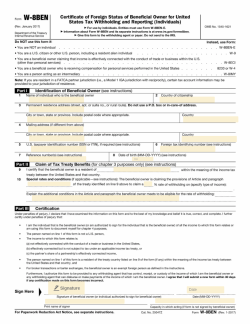
              w8ben-form-template 2017
              Open in PandaDoc
              • LinkedIn
              • Facebook
              • X
              Form W-8BEN

              Why do you need it?

              The IRS requires that taxes be paid on income paid to entities outside of the United States.

              Typically, this rate is 30%, but it can differ from one foreign country to the next. The W8-BEN must be filled out by a non-US entity receiving compensation from a US entity.

              It ensures that the individual or company issuing payment knows to withhold taxes from payment, and to subsequently pay those taxes to the IRS.

              If you’re a company or individual paying non-US entities, you will be held liable by the IRS for the taxes that should be withheld from payments you send them, which makes it important to have a W8-BEN on file for these entities.

              Tips and instructions for use

              The W8-BEN is a single page form with three sections:

              • Part 1: Identification of beneficial ownerThis section is used to identify the owner of the income, otherwise known as the “beneficial owner”. Be sure to provide accurate information including your name, country of citizenship (determines tax withholding rate), address, U.S. or foreign Taxpayer ID number, and date of birth.

              • Part 2: Claim of tax treaty benefitsThe United States has tax treaties in place with some foreign countries which offers citizens a lower withholding rate than the standard 30%. In this section, you will note which treaty your taxes are subject to, and at what rate they should be withheld from payments made to you.

              • Part 3: CertificationThe IRS takes tax forms very seriously. Part three of the W8-BEN requires you to certify that the information provided on the form is complete and accurate, and that you are in compliance with a list of standards associated with the form.

              Helpful information

              Like the W9, the W8-BEN is not submitted to the IRS. Instead, it’s submitted to the US entity issuing payment, and they keep it in their records.

              If you’re a company outside the United States and receiving payments from US entities, you’ll use the W8-BEN-E version of this form instead of the standard version.

              FAQ

              What is a W8-BEN Form?

              The W8-BEN Form, also called the Certificate of Foreign Status of Beneficial Owner for United States Tax Withholding & Reporting, is a form required by the IRS, similar to the W9 form that employees and subcontractors in the United States must submit to employers.

              However, the W8-BEN differs from a W9 because it is filled out only by non-US residents who are receiving payments from individuals or companies in the United States.

              Who needs to fill out a W-8BEN?

              A W-8BEN form is filled out and signed by a non-resident alien providing services for a US company and receiving money from it. It applies even in cases when a person asks for a reduced rate or an exemption from tax.

              Disclaimer

              Parties other than PandaDoc may provide products, services, recommendations, or views on PandaDoc’s site (“Third Party Materials”). PandaDoc is not responsible for examining or evaluating such Third Party Materials, and does not provide any warranties relating to the Third Party Materials. Links to such Third Party Materials are for your convenience and does not constitute an endorsement of such Third Party Materials.

              Disclaimer

              Materials (e.g. templates, educational articles, blog posts and informational content), made available through PandaDoc, including via any integrations, connectors, extensions, plugins, or third-party AI platforms (e.g. ChatGPT, Claude, or similar tools) are for general information purposes only and are provided "as is." These materials do not constitute legal, regulatory, or compliance advice and should not be construed as such. It is your responsibility to ensure materials meet your specific legal requirements. Consult a qualified attorney licensed in your jurisdiction before relying on these materials. PandaDoc disclaims all warranties, express or implied, including fitness for a particular purpose or non-infringement.


              Related Business Documents

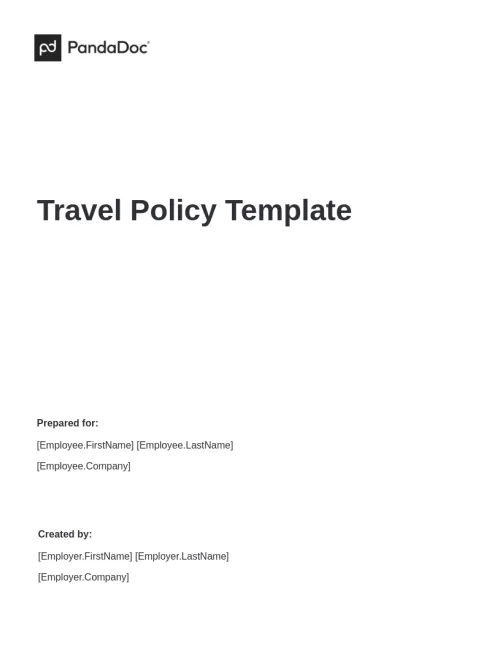
              Travel Policy Template

              Travel Policy Template

              Instruct your employees on the procedures, conditions, and limits necessary to carry out travel expense reimbursements with our Travel Policy Template.

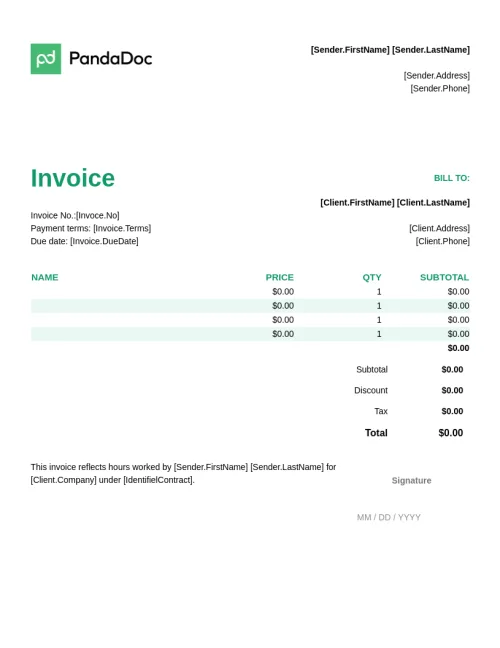
              Invoice Template with Electronic Signature

              Invoice Template with Electronic Signature

              An invoice is a document that is created by an entity selling goods or services to another individual that contains information about a client, an invoice due date, payment method, total amount, and more.

              Georgia Month-to-Month Lease Agreement

              Georgia Month-to-Month Lease Agreement

              A Georgia month-to-month lease agreement creates a legally binding relationship for monthly rentals between the landlord and the tenant. Use our free month-to-month lease agreement template for Georgia to ensure compliance with state laws.

              California Real Estate Purchase Agreement

              California Real Estate Purchase Agreement

              The California Real Estate Purchase Agreement is a legally binding contract outlining the terms and conditions between a buyer and seller for the sale of real property in the state of California. Use our template to outline the details such as the purchase price, earnest money deposit, contingencies, and other crucial aspects governing the transaction.

              Related templates

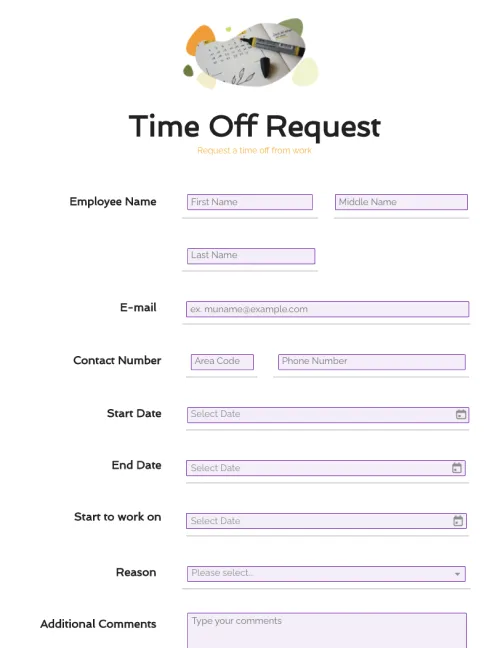
              Time Off Request Form

              Time Off Request Form

              Customize your time off request form easily with drag-and-drop form fields. Streamline employee time-off requests with complete information. Create a printable form or keep it digital.

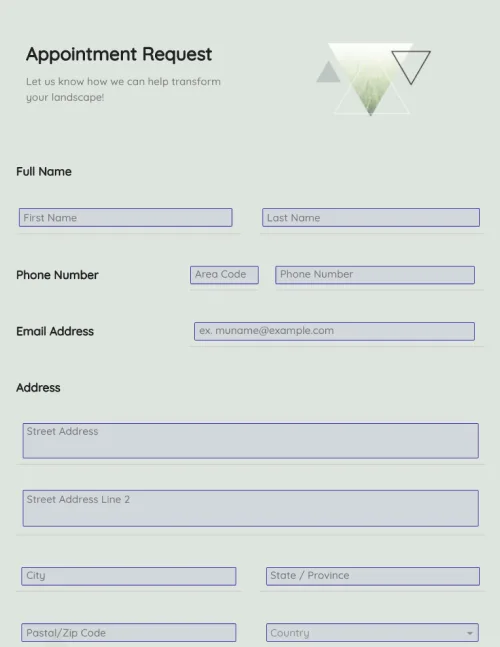
              Appointment Request Form

              Appointment Request Form

              Create appointment request forms in a few clicks. Add electronic signatures, rich media, and drag-and-drop information fields. Streamline your document workflows.

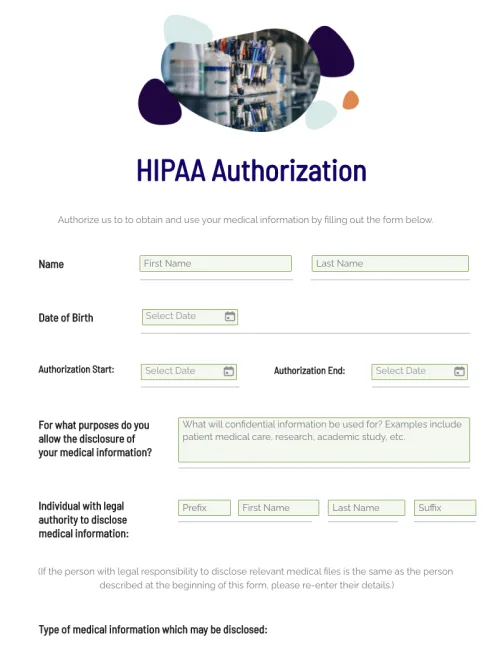
              HIPAA Authorization Form

              HIPAA Authorization Form

              Edit HIPAA authorization forms in a single click. Customize documents with intuitive drag-and-drop tools. Collect eSignatures and payments in real-time.

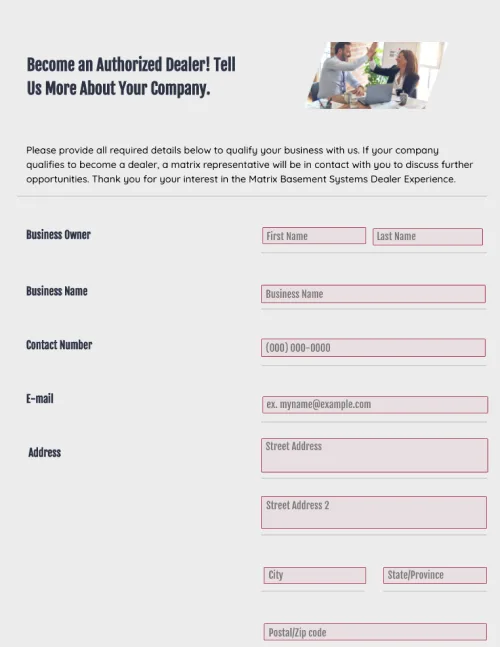
              Dealer Registration Form

              Dealer Registration Form

              Use this dealer registration form template in your organization to collect information from third-party vendors. Cut down on administrative tasks, and stay ahead of your competitors.