Help centerLog inHelp center
Mobile Site Logo
Desktop Site Logo
    • Platform

      • Product overview
      • Contract Management
      • CPQ
      • Enterprise
    • Features

      • Image - Document generation - Icon
        Document generationAutomate document creation with customizable templates
      • Image - Payments - Icon
        PaymentsGenerate error-free quotes
tailored for every buyer
      • Image - Deal room - Icon
        Deal RoomsCollaborate and close deals in one personalized deal room
      • Image - Smart content - Icon
        Smart contentAdapt documents to the recipient's requirements
      • All features
    •  

      • automation icon
        Workflow AutomationsStreamline your workflow and reduce manual tasks
      • Approval workflow
        Approval workflowSimplify internal sign-offs before document delivery
      • Workspaces
        WorkspacesDistribute content across teams and departments
      • Tracking & analytics
        Tracking & analyticsGet insights into how users interact with your document
      • All features
    • Request a demo
    • Contact sales
    Product (Dropdown) - Featured Image
    Compare
    • vs DocuSign
    • vs Dropbox Sign
    • vs Adobe Sign
    • vs Proposify
    • View more
    • Image - Use case - Icon

      Use case

      • eSignatures
      • Proposals
      • Contracts
      • Quotes
      • Payments
      • All use cases
    • Image - Industry - Icon

      Industry

      • Software & technology
      • Professional services
      • Education
      • Healthcare
      • Construction
      • All industries
    • Image - Team - Icon

      Team

      • Sales
      • HR
      • Marketing
      • Customer success
      • Legal
      • All teams
    • Request a demo
    • Contact sales
    Customer stories
    • Image - Solution dropdown - Autodesk
      Autodesk now tracks sales metrics across its entire org
    • Image - Solution dropdown - Nomad
      Nomad cut customer acquisition costs by 20%
    • Image - Solution dropdown - TheKey
      TheKey saves 3,000 hours per year using PandaDoc
    • All customer stories
    • Sales and CRM

      • Hubspot
        Hubspot
      • Salesforce
      • pipedrive
        Pipedrive
      • Monday Logo
        Monday
    • Payment gateways

      • Square Logo
        Square
      • Stripe
        Stripe
      • Authorize Logo
        Authorize.net
      • Paypal Logo
        PayPal
      • QuickBooks Logo
        QuickBooks Payments
      • FreshBooks Logo
        FreshBooks
    • Collaboration and more

      • Zapier
      • Greenhouse
      • QuickBooks Logo
        QuickBooks
      • Slack Logo
        Slack
      • All integrations
    • API
    • Documentation
    Integration (Dropdown) - Featured Image
    CPQ Solutions
    • pipedrive
      Pipedrive CPQ
    • Hubspot
      Hubspot CPQ
    • Salesforce CPQ
      Salesforce CPQ
    • Image - Learn- Icon

      Learn

      • Customer stories
      • Blog
      • Templates
      • Webinars
      • Learning academy
      • Security
      • Resource library
      • AI Skills Lab
    • Image - Support - Icon

      Support

      • Help center
      • Contact us
      • Onboarding services
      • Professional services
      • Premium support
      • Partner Directory
    • Image - Developers - Icon

      Developers

      • API
      • Document embedding
      • Documentation
    • Request a demo
    • Contact sales
    Resources (Dropdown) - Featured Image
    Security & Compliance
    • Signature certificate
    • Two-factor authentication
    • HIPAA compliance
    • View more
  • API
  • Pricing
Request a demoStart a trialRequest a demo

PRICING TABLES

Flexible, interactive pricing tables for goods and services

Present pricing solutions with clarity and confidence. Our interactive pricing tables are customizable, letting you add line items, cost breakdowns, taxes, and discounts to any document with intuitive design tools.

Request a demo
Start free 14-day trial

No credit card required

G2 Leader Mid-Market
G2 Best Usability Mid-Market
G2 Fastest Implementation Mid-Market
G2 Users Most Likely To Recommend Mid-Market
Pricing Table

Over 68,000 customers build quotes and proposals with PandaDoc

Autodesk
Boeing
SGS
AOL
Konika Minolta
Rakuten
TomTom
HP
PepsiCo
Zoetis
Bonusly
Chick-fil-A

What is a pricing table?

Pricing tables are a clear and concise way to present costs for goods and services.

Most pricing tables include line-by-line breakdowns, descriptions, quantities, and prices that highlight any products or list of features included in the final cost. This helps potential buyers make more informed purchasing decisions.

It’s common to find pricing tables around the web. Modern web pages and e-commerce platforms like WordPress, WooCommerce, and Shopify rely on pricing tables to assist with product comparisons. Software-as-a-service (SaaS) companies also use comparison tables on their pricing page as an intuitive way to emphasize the features of different plans.

With PandaDoc, interactive pricing tables are closely linked with the onboard product catalog, which serves as a repository for all product SKUs and offered services. Teams can use intuitive pricing table design tools to compile catalog items and present an itemized price list to prospective customers.

Bring the bottom line into view with pricing

Make pricing clear and transparent

Make pricing clear and transparent

Show potential customers what they’re buying. Accelerate purchasing decisions by presenting costs with clarity.

Customize layouts and formats

Customize layouts and formats

Format tables to match your brand with custom headers and colors. No HTML, CSS, plugins, or add-ons required.

Integrate with your product library

Integrate with your product library

Use the onboard product catalog to build pricing tables from your existing list of goods, services, and charges.

Put your products and services on display

Document Quote

Show exactly how costs are calculated

Itemize final costs and leave no room for confusion.

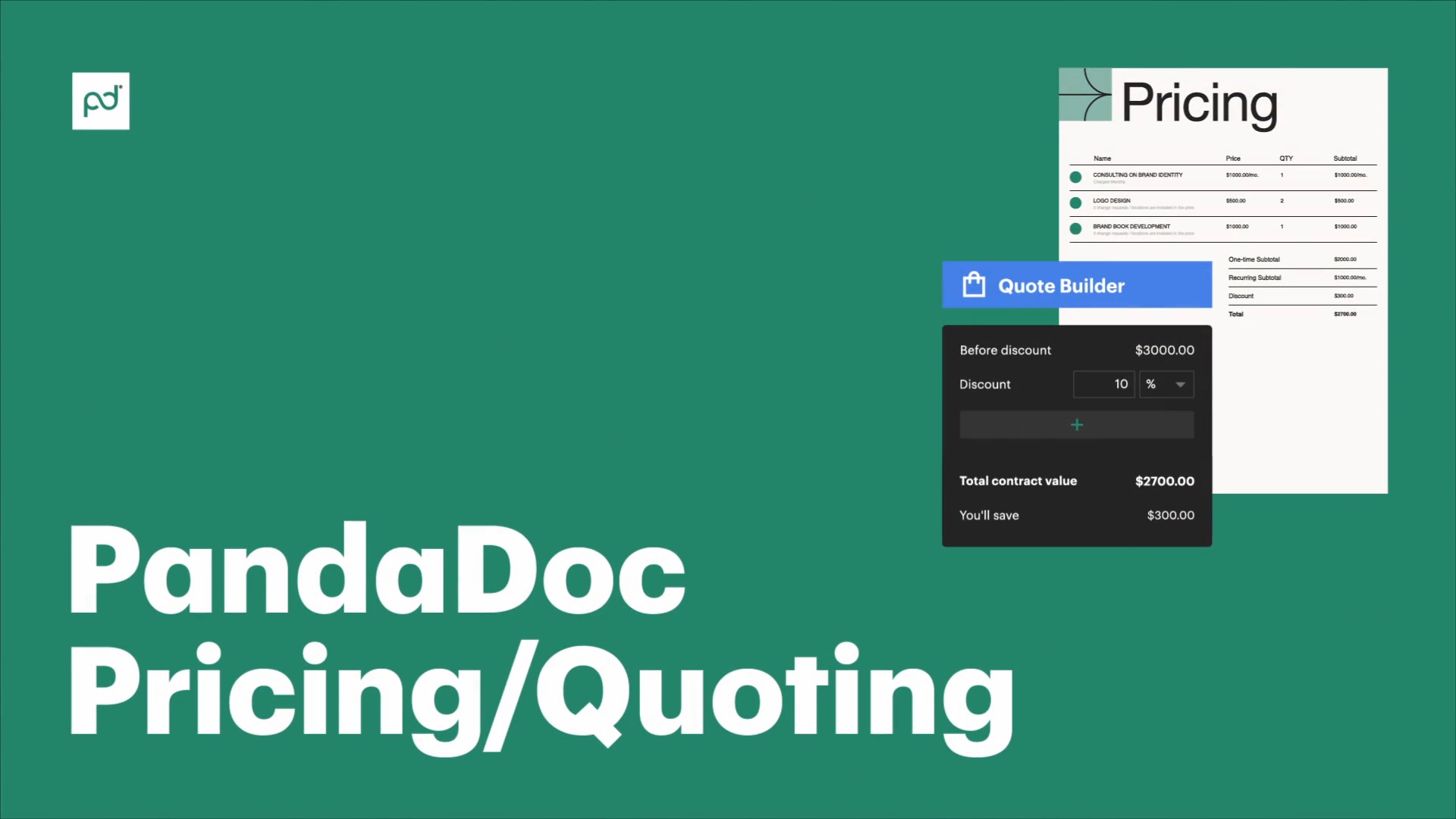
Break down pricing by units or quantities, and apply any applicable discounts or taxes. Provide a clear and comprehensive overview of how the bottom line is calculated in an easily parsable format.

Catalog List

Ensure that costs are always consistent

Keep pricing accurate across all sent documents. The PandaDoc product catalog acts as a single source of truth for your company, allowing teams to offer set prices for customers.

Eliminate manual inputs and human errors by having reps add products from the catalog to the pricing table. Final costs are calculated automatically.

Customize Pricing Table

Make your tables look good

Customize your pricing tables to match your brand.

Use onboard design functionality to adjust colors, fonts, and layouts. Create visually appealing presentations that look professional and leave a lasting impression.

Use the PandaDoc content library to duplicate your final solution across multiple documents and templates.

Crm Data Import

Connect your entire tech stack

Integrate with your CRM and payment gateways to streamline document creation.

Add customer and product data from CRM tools like Salesforce and HubSpot. Enable payment and add eSignature blocks to turn accepted proposals into paid contracts.

Developers can also use API tools to merge data that pricing tables can be prefilled more easily.

Get started with PandaDoc pricing tables

Video thumbnail
Kelsey Boyd

Kelsey Boyd

Director of Business Systems & Processes

Kelsey Boyd brand

PandaDoc is making this so much more efficient than it once was. The Hiring Packages are a breeze to send to candidates… this would’ve been a time-consuming administrative burden if it weren’t for PandaDoc.

Kelsey Boyd

Kelsey Boyd

Director of Business Systems & Processes

Read full story

Pricing tables for critical docs

Document Project Proposal

Proposals

Elevate company proposals with transparent pricing that stands apart from the rest of the document.

Using the PandaDoc editor, it’s easy to build a robust and stylized proposal while positioning the pricing table as the centerpiece of the document.

Explain every aspect of your solution and how it solves customer problems, then present an itemized breakdown and final cost.

Document Sales Contract

Contracts

Avoid disputes and confusion by including a detailed pricing table in your contracts.

Outline all costs, payment schedules, and terms, leaving no room for ambiguity. This approach promotes transparency and helps to build trust with potential customers.

Template Services Quote

Quotes

When combined with the PandaDoc product catalog, pricing tables provide an easy way to quickly generate quotes for customers.

Teams can offer a variety of different quotes and pricing plans from within the PandaDoc editor, allowing reps to efficiently generate a wide selection of pricing plans and purchasing options.

Products can even be grouped into different sections or displayed as multiple-choice options so that package options are easy to select.

How do teams use pricing tables?

  • Sales

    Sales

    Close deals faster with clear, compelling pricing presentations.

    Sales teams using PandaDoc’s pricing tables can create professional quotes and proposals that showcase product and service options in an easy-to-understand format.

    The result? Faster buying decisions and better clarity around existing product solutions.

    Learn more
    Sales
  • Finance

    Finance

    Maintain accurate and consistent pricing across all documents.

    Finance teams can use pricing tables to ensure accuracy in financial reporting, invoices, and contracts.

    Centralized product catalogs and automated updates help prevent errors and streamline financial processes.

    Learn more
    Finance
  • HR

    HR

    Clearly communicate compensation and benefits packages to employees.

    HR teams can use pricing tables to present salary details, bonuses, and benefit options in a transparent and organized manner.

    Learn more
    HR
  • Legal

    Legal

    Legal teams can use pricing tables to outline fees, payment schedules, and other financial details within contracts and agreements.

    This minimizes ambiguity and potential disputes by providing added clarity in legal documents.

    Learn more
    Legal

Learn how pricing tables can help you create more transparent cost breakdowns

Link: Learn more
Add pricing tables to your docs

Add pricing tables to your docs

Learn how to add customized pricing tables in Pandadoc. Add products, manage columns, apply discounts, integrate with CRMs, and more.

Learn more
Link: Learn more
Learn about pricing table design

Learn about pricing table design

Align your pricing table with your brand design. Customize headers, background colors, and dropdowns, with this tutorial.

Learn more
Link: Learn more
Set one-time and recurring fees

Set one-time and recurring fees

Use your pricing table to display various fee structures, including one-time charges and recurring fees.

Learn more

Build better proposals and quotes with PandaDoc

Get personalized 1:1 demo with our product specialist.

  • Tailored to your needs

  • Answers all your questions

  • No commitment to buy

Chili Piper

ChiliPiper increased their close rate by 28% after implementing PandaDoc.

Schedule your free live demo

  1. 1Fill out the form
  2. 2Book a time slot
  3. 3Attend a demo

By submitting this form, I agree that theTerms of ServiceandPrivacy Noticewill govern the use of services I receive and personal data I provide respectively.

Frequently asked questions

  • Yes. PandaDoc pricing tables offer support for discounts and taxes.

    Discounts can be applied as flat amounts or percentages, making it easy to adjust pricing based on sales, customer loyalty programs, or customer satisfaction.

    It’s also possible to incorporate taxes into your pricing tables. These can appear either as a separate line item or as part of the final total.

    For add-on pricing, it’s possible to use multiple- choice options to offer different packages. Using this approach, buyers can analyze your product costs and determine which solution best suits their needs.

  • Yes. Pricing tables are included in all PandaDoc plans.

    Add pricing tables to any document you create to streamline information for customers and stakeholders.

  • While it’s not possible to add a clickable button directly to a pricing table, you can use PandaDoc design tools to place similar headers and elements nearby.

    Consider adding a header with a clear call to action nearby or placing your pricing table near an eSignature field to prompt next steps for readers if they agree to move forward.

  • You can create a pricing table template in the following ways:

    • As part of a complete document template

    • As a widget or content block within the content library

    If you’re creating a complete document template, like a template for your entire proposal document, the pricing table will be saved with the template and generated each time the template is used.

    This is a great approach if you know which documents need pricing templates, and those needs aren’t likely to change.

    To create a standalone pricing table element, you’ll want to save it as a block inside your content library (only available on Business or Enterprise plans).

    Using this approach makes your pricing table modular. When you need to add it to a document, simply insert the block from your content library, and the table will appear inside your document.

  • Yes! PandaDoc tables can support recurring fees.

    One popular way to display these fees is by organizing recurring costs into a separate section from one-time or flat-rate costs.

    This allows teams to create two distinct pricing blocks so that breakdowns are clear.
Product
  • Pricing
  • Integrations
  • Features
  • Updates
  • Security
  • HIPAA
Use cases
  • Proposals
  • eSignatures
  • Quotes
  • Contracts
  • Payments
  • Forms
  • Notary
  • API
  • CPQ
  • Deal Rooms
  • All use cases
Resources
  • Help center
  • Templates
  • Blog
  • Electronic signature law
  • How to guides
  • Developer center
  • System status
  • Onboarding services
  • Partner Directory
  • Recipes
  • AI Skills Lab
Compare
  • vs DocuSign
  • vs Dropbox Sign
  • vs Adobe Sign
  • vs Proposify
  • vs Docsend
  • All alternatives
Company
  • About us
  • Culture
  • Careers
  • Stand with Ukraine
  • Become a partner
  • Press
  • Contact us
  • Marketing Preferences

© 2026 PandaDoc Inc. All rights reserved.

Privacy Notice
    Legal
        Accessibility Statement
          Do Not Sell My Personal Information
            AI Information